
The Waller County Court Calendar
Each Waller County court posts its calendar differently. The 506th District Court publishes an annual Waller calendar plus settings and daily-docket navigation. County Court at Law No. 1 links its schedule and routes settings through its coordinator. County Court at Law No. 2 posts calendars for September through December 2026 and for 2027. Setting forms and trial-preparation material sit alongside.
Every source answers a different question. An annual PDF lays out the year’s planned lanes for tax, civil ancillary, criminal pretrial, bench, and jury work. A daily docket narrows the view to one day’s activity. The case register shows a setting that was actually entered. A written coordinator confirmation ties that event to a specific cause. Calendars change, though. A saved copy is never the final check.
Waller 506th Calendar Lanes
The 506th’s 2026 annual Waller calendar sorts work into timed lanes. Tax Docket sits at 9:00 a.m., and Jury Trials at 8:30 a.m. Civil Ancillary takes 10:00 a.m. Bench Trials fill the 1:30 p.m. slot. Criminal Motions and Pretrial sessions split by defendant surname. The groups run A–G, H–M, N–T, and U–Z. Interpreter blocks sit at 9:00 a.m. and 1:30 p.m.
- Tax docket
- The named lane for tax cases assigned to the 506th.
- Civil ancillary
- A civil setting lane distinct from final bench or jury trial.
- Bench trial
- A trial before the judge rather than a jury.
- Jury trial
- A trial setting that includes jury scheduling and may involve a separate selection site.
Keep in mind that these labels name calendar categories only. They say nothing about the status of each case listed under them, so read the label beside the individual setting and the court’s latest notice.
How to Find Your Waller County Court Date
Begin with the court and cause number printed on the citation, notice, or pleading. County-level, district, justice, and municipal courts each maintain their settings separately, so the right office depends on which one assigned your hearing.
- Search the Waller Tyler/Odyssey calendar by case, attorney, judicial officer, or party where available.
- Open the case result and compare its setting event with the assigned court’s current calendar.
- Use the 506th daily docket or the published CCL1 or CCL2 calendar for that court.
- Call the coordinator or clerk for a focused confirmation if the sources conflict.
- Visit the proper clerk counter when online access fails or an official copy is needed.
- Check re:SearchTX only as a secondary statewide layer, not as proof of a current setting.
Phone the District Clerk at 979-826-7735 or the County Clerk at 979-826-7711. Waller local rules limit clerk phone checks to narrow facts. Clerks can say whether a case or document exists. They can tell you whether service returned. They can also confirm whether an order was signed, or whether a jury fee was paid. For municipal or JP matters, call the court printed on the citation. The county offers no official daily printed-calendar channel. Treat the phone and each court’s calendar page as the live sources.
Annual Waller Calendar Versus Case Confirmation
The 506th annual calendar states plainly that its dates are subject to change. It also says the current edition replaces older ones. For seeing the year’s planned court lanes, it is a fine tool. It cannot prove that your particular cause still sits on a planned date. Confirmation comes from the case register and the coordinator.
| Source | Best use | Limit |
|---|---|---|
| Annual PDF | Planned court sessions | May be superseded |
| Daily docket | Near-term court activity | Still subject to court action |
| Register event | Case-specific history | Can show an older setting |
| Written coordinator notice | Current case confirmation | Applies to the named cause |
When two sources disagree, keep both dates in front of you while you contact the coordinator. A newer-looking webpage with a later timestamp is not automatically the correct one.
Reading a Waller County Court Setting
Treat a setting as a cluster of fields rather than a single fact. One date alone, stripped of its cause number, court, and setting type, can send you to the wrong session entirely.
| Cause number | The identifier that ties the setting to the correct file. |
|---|---|
| Date | The scheduled calendar day, subject to later order. |
| Time | The session start or assigned time block. |
| Court and judge | The 506th, CCL1, CCL2, JP, municipal court, or other assigned tribunal. |
| Setting type | Motion, pretrial, ancillary, bench trial, jury trial, tax docket, or another stated event. |
| Location | The current courtroom named by the court, not an old address assumed from the cause. |
Use the case style only as a cross-check. Similar names show up across a docket, so lean on the cause number and court for a precise match.
Waller Courtrooms During the 2026 Transition
Courtrooms are moving during 2026, and the courts say so directly. CCL1 states that beginning July 27, 2026, matters are held in Auxiliary Courtroom 3 on the third floor at 836 Austin Street. Another notice can override that. Jury selection may happen at several spots. The list includes the Commissioners’ Court/CCL2 space at 836 Austin, the Joe Kucembia Annex at 425 FM 1488, and the 506th courthouse annex. CCL2’s current page splits its proceedings between two sites. They are 836 Austin and the 506th courtroom at 400 Sheriff R. Glenn Smith Drive.
Given that spread, an old docket address is a poor stand-in. Do a live location check instead. The official CCL2 page shows its assignment, in-person rule, and calendar links.
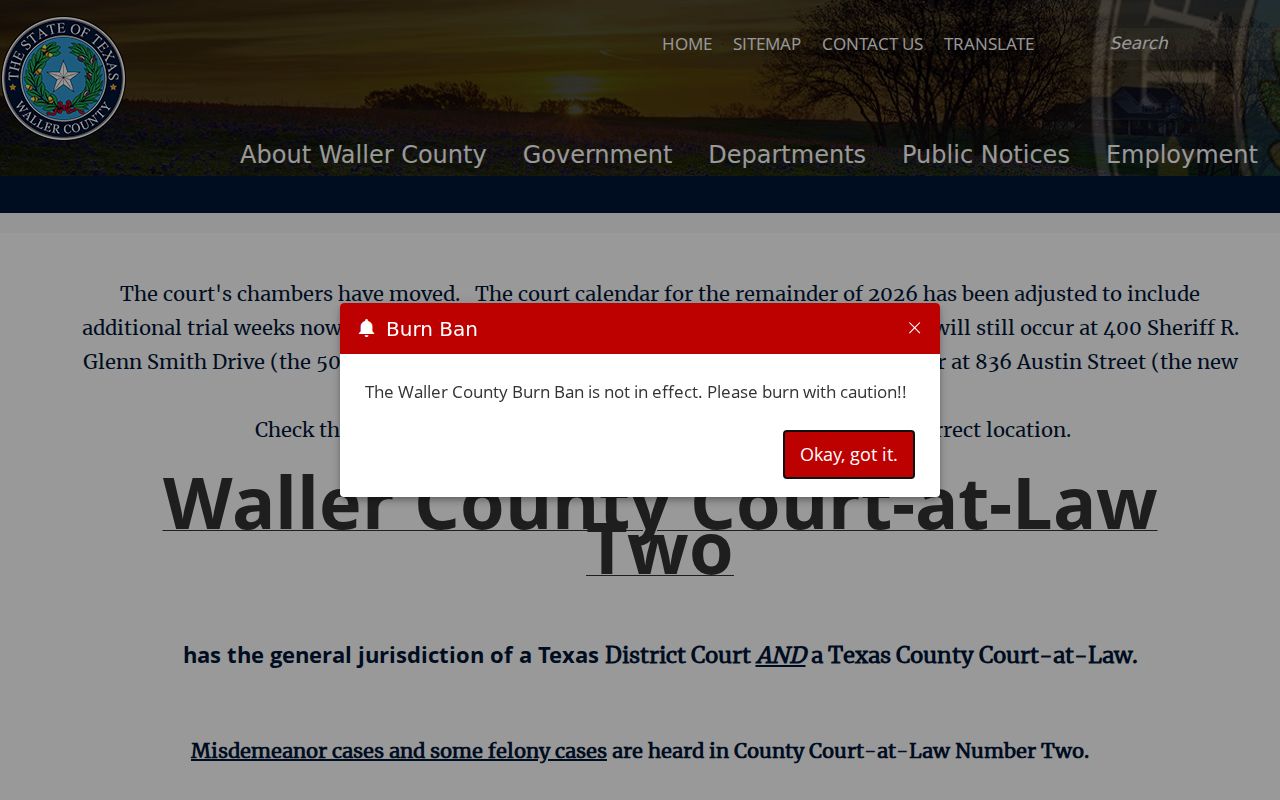
The captured page supports checking both the court and the current venue before travel.
Resets, Continuances, and Waller Cancellations
A reset moves a setting. It does not dismiss the cause. Waller local rules give continuance motions a ten-day submission period. They also require a proposed order carrying a specific reset date and time. Only the court’s approved coordinator confirms a setting in writing. Wait for that confirmation.
The sequence can leave several register lines. These include the motion, a proposed order, a signed order, and a new setting. The first filed line alone proves nothing about whether relief was granted. A cancellation or nonsuit works the same way. It demands an actual entered event rather than an assumption drawn from a blank calendar listing.
When a new date appears, preserve the prior notice until the court confirms which written order controls.
When Waller Calendar and Notice Disagree
Line up both sources and compare field by field. Check the cause number, court, judge, setting type, date, time, and location on each. Then open the register. Look for a reset, continuance, transfer, or signed order entered after the older notice.
Contact the assigned coordinator through the court’s official page. The 506th, CCL1, and CCL2 each publish their own calendar routes. Ask one precise question about the named cause and event. A Tyler page may be unavailable. If so, fall back on the court calendar and the phone channel instead of concluding the hearing was removed.
Best confirmation: The most recent written setting from the approved coordinator, checked against any later signed order, is stronger than an annual calendar entry alone.
A broader Waller County case search can help you trace the event history behind a date that changed.
In-Person Waller Court Settings
Both Waller County courts at law hold proceedings in person. CCL1 allows remote participation only when the judge approves it. CCL2 is stricter. A remote appearance there needs a compelling reason and advance approval from the bench. A Zoom link in old court material is not standing permission to skip the courtroom.
The CCL1 official page lists the court's jurisdiction, coordinator contact, calendar, and courtroom notice.
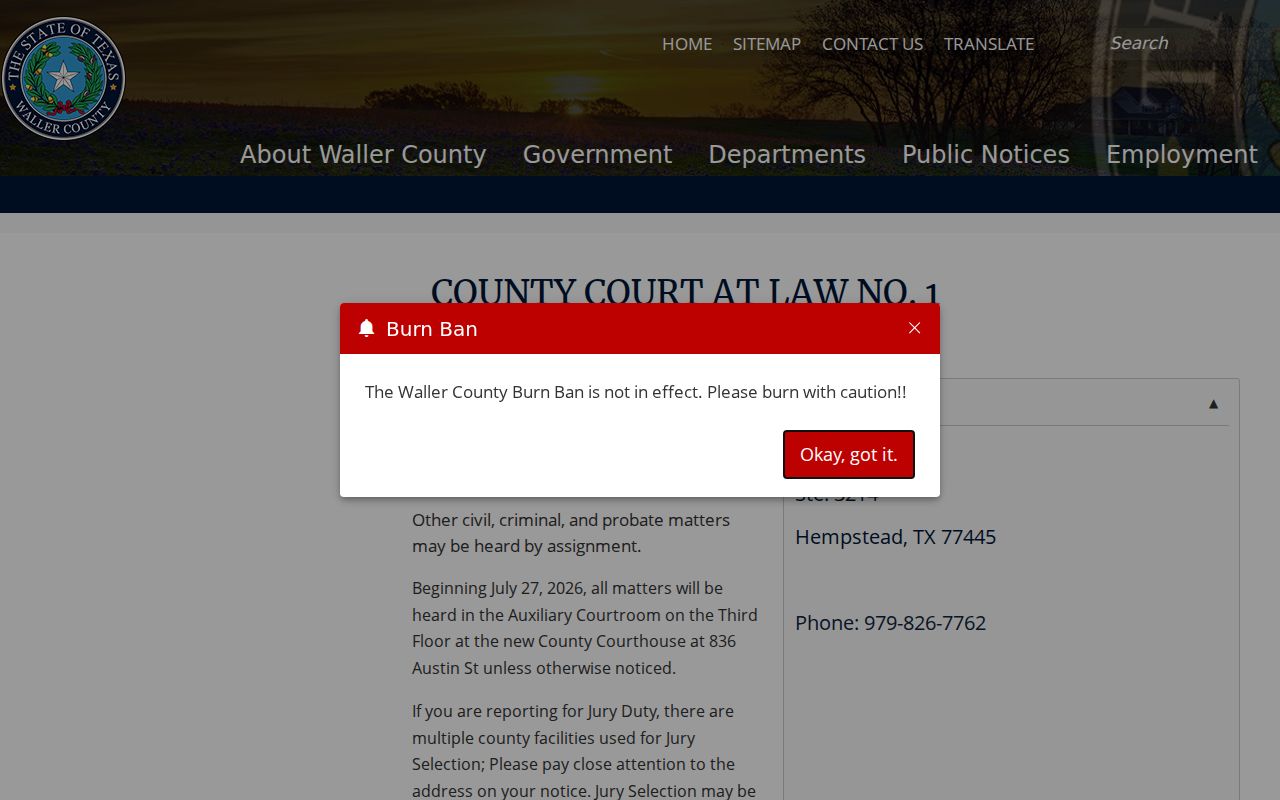
That is exactly why the calendar alone is not enough. Instructions vary from court to court, so check the ones tied to your specific Waller County hearing rather than relying on a generic docket entry.
What to Do If You Miss a Waller Setting
Missed your Waller County court date? Call the court listed on your notice right away. Give the clerk the cause number. Ask what the docket shows now. Also ask whether the court has issued an order, a reset, a warrant, or any other instruction since the setting passed. Clerk staff can tell you what has been filed in the court records. They cannot advise you on which legal response to choose.
Do not assume silence fixed the problem. A missed appearance can lead to court-specific consequences. Follow the current instruction from the assigned Waller court, and obtain legal advice when rights or deadlines are at stake.
While you wait for confirmation, keep checking the sources yourself. A district or county case takes two steps. Review the Odyssey register and the court's most recent calendar. A JP or municipal citation works differently. Use that court's own contact channel instead. Paying online through a portal does not replace the court's response to a missed setting.